How to Find Leftover Shopify App Code Safely
Find leftover Shopify app code, duplicate pixels, stale snippets, app embeds, and heavy scripts with a backup-first cleanup and rollback workflow.
Merchants searching for remove leftover Shopify app code usually have a live store problem, not a research assignment. This guide turns that problem into a selection and QA workflow, then explains where Klyna Cleanroom fits without pretending an app can guarantee the business outcome.
Short answer
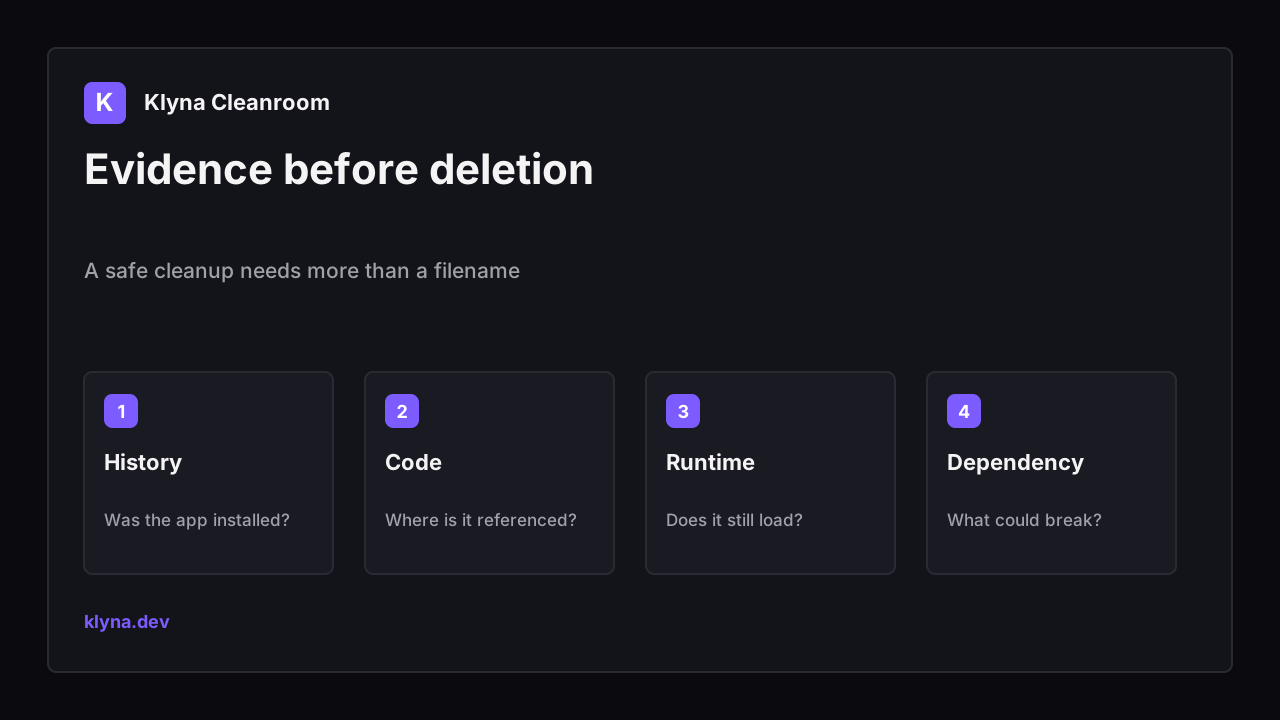
To find leftover Shopify app code safely, start with evidence: review the app install history, duplicate the live theme, identify vendor signatures in templates and snippets, compare storefront network requests, and test critical paths before deleting anything. Uninstalling an app can stop its service while leaving theme code or data behind.
Search demand and platform context
Shopify’s own uninstall guidance warns that some apps add theme code that is not automatically removed. Search demand around Shopify speed, app cleanup, and uninstall recovery therefore overlaps: merchants often feel the symptom as slowness or duplicate behavior before they know which app left it behind.
Shopify recommends reviewing an app’s additional uninstall steps, saving important data, checking app-managed inventory, and considering dependent workflows. That makes blind deletion the wrong first move.
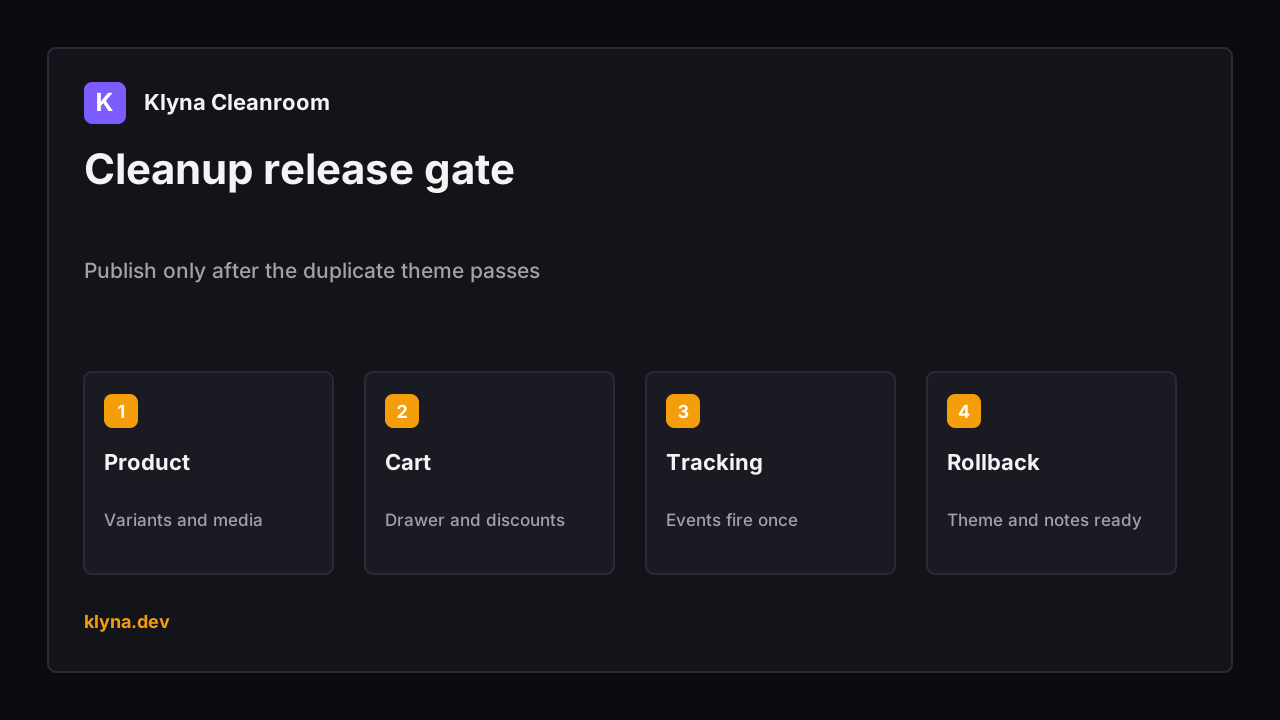
Publish only after the duplicate theme passes
What to check before choosing an app
| Check | What to inspect | Why it matters |
|---|---|---|
| Source evidence | Vendor name, file include, script URL, app block, or install record | A familiar-looking snippet is not enough proof to delete code. |
| Runtime evidence | The script or request still loads on a live page | Dormant files and active storefront code have different risk. |
| Dependency check | Reviews, subscriptions, cart, consent, pixels, and page-builder sections | One leftover-looking file may still support a live workflow. |
| Backup | Duplicate theme and documented file changes | Cleanup needs a fast rollback path. |
| Verification | Mobile product, collection, cart, and analytics tests | A clean diff is not proof that the storefront still works. |
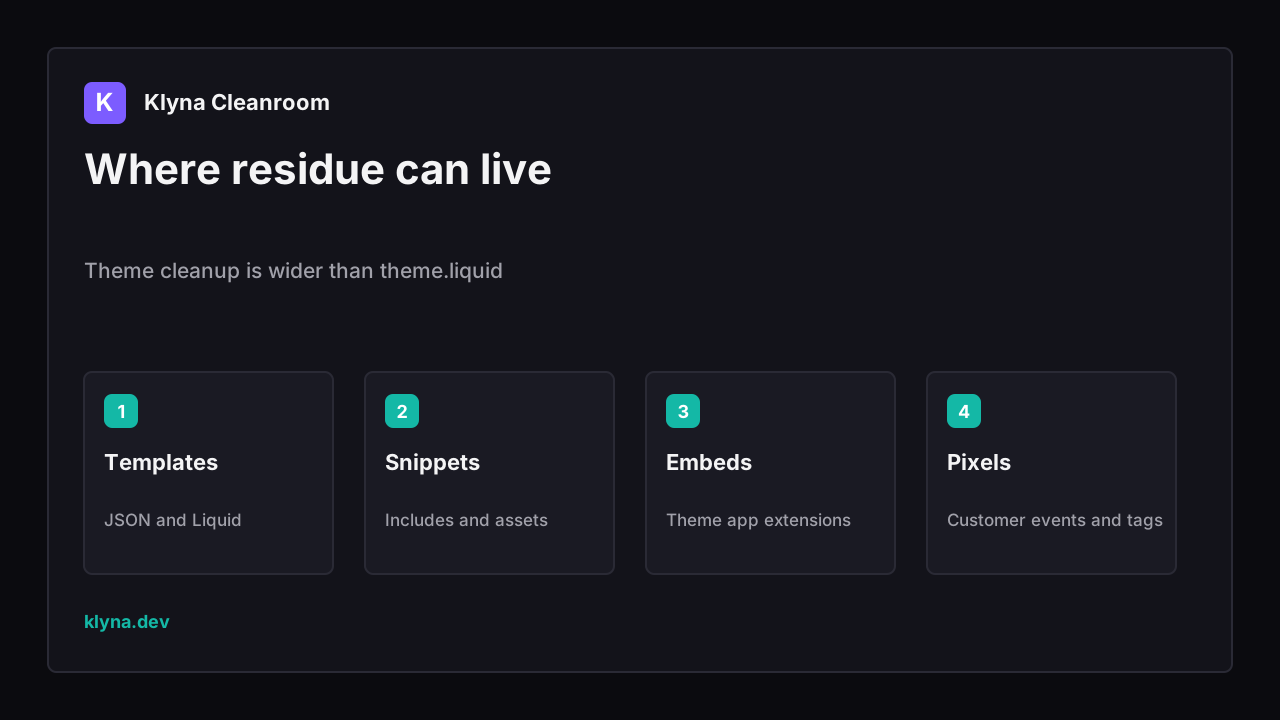
Theme cleanup is wider than theme.liquid
How Klyna Cleanroom approaches the job
Klyna Cleanroom is a diagnostic-first workflow for sampled storefront pages. It detects common app signatures, duplicate tracker patterns, heavy script stacks, and cleanup risks, then stores scan history so a merchant or agency can compare before and after evidence.
- Sample homepage, product, and collection storefront pages.
- Detect common review, subscription, page-builder, email, and tracking signatures.
- Flag possible duplicate Meta, Google, TikTok, Pinterest, and affiliate tracking.
- Keep scan history and a guarded cleanup playbook.
Klyna Cleanroom is a diagnostic-first workflow for sampled storefront pages. It detects common app signatures, duplicate tracker patterns, heavy script stacks, and cleanup risks, then stores scan history so a merchant or agency can compare before and after evidence.
Setup and QA workflow
- Export data and record any app-specific uninstall steps before removing the app.
- Duplicate the live theme and record its version or publish date.
- Scan representative pages and group findings by app or vendor signature.
- Confirm each candidate in theme code, app embeds, pixels, and live network requests.
- Remove one confirmed dependency at a time in the duplicate theme.
- Test storefront, tracking, consent, and conversion paths before publishing and keep rollback notes.
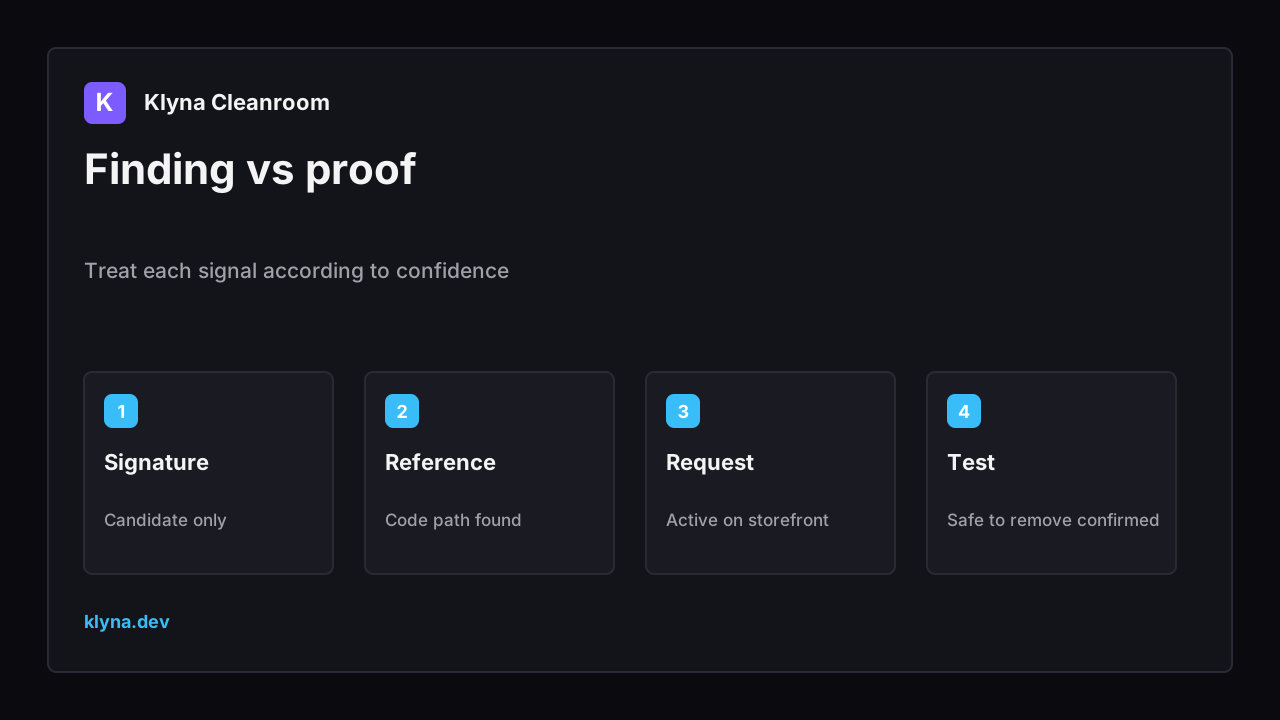
Treat each signal according to confidence
Common mistakes
- Deleting every file whose name resembles an uninstalled app.
- Cleaning only theme.liquid while ignoring app embeds, pixels, and template JSON.
- Testing the homepage but not product variants, cart drawers, or consent states.
- Claiming a speed improvement before comparing real page behavior.
Where Klyna Cleanroom fits - and where it does not
Klyna Cleanroom fits stores with a long app history, duplicate trackers, or an upcoming theme cleanup. It is intentionally evidence-first; complex removals still need a developer who can review Liquid, JavaScript, app ownership, and revenue-critical integrations.
Important limit: A signature is a lead, not proof that code is unused. Cleanroom should narrow the investigation and preserve evidence, not silently delete production theme code.
Related Klyna tools
- Browse the Klyna product catalog to match one app to one store job.
- Audit a Shopify app stack before stacking another storefront tool.
- Check leftover app code after installs, removals, or theme migrations.
- Protect changed URLs during catalog cleanup and launches.
Sources and further reading
- Shopify uninstalling apps - Theme-code, billing, data, inventory, and workflow considerations.
- Shopify managing apps - App history, permissions, extensions, functions, and pixel status.
- Klyna product catalog - Current public products and release links.
FAQ
Does uninstalling a Shopify app remove all of its code?
Not always. Shopify explicitly notes that some apps add theme code that is not automatically removed, so review the app’s uninstall guidance and confirm the live storefront.
Can leftover app code slow a store?
Active scripts, duplicate widgets, and repeated trackers can add work or create conflicts. A file that merely exists but is never loaded may have little runtime effect, which is why evidence matters.
Should an automated cleaner delete theme code?
Only with explicit preview, backup, and a narrow verified target. Diagnostic evidence and human review are safer defaults for production themes.
Keep reading
- SEOShopify Alt Text Generator Safe WorkflowUse a Shopify alt text generator safely with product context, image purpose, bulk review, rollback notes, and SEO QA before publishing.
- SEOShopify Review App Migration SEO ChecklistShopify Review App Migration SEO Checklist with DataForSEO intent, Shopify or WordPress technical SEO checks, and a safe Klyna QA workflow.
- SEOShopify Redirect Chain After App UninstallShopify Redirect Chain After App Uninstall with DataForSEO intent, GSC checks, app-safety workflow, and practical Klyna QA steps.